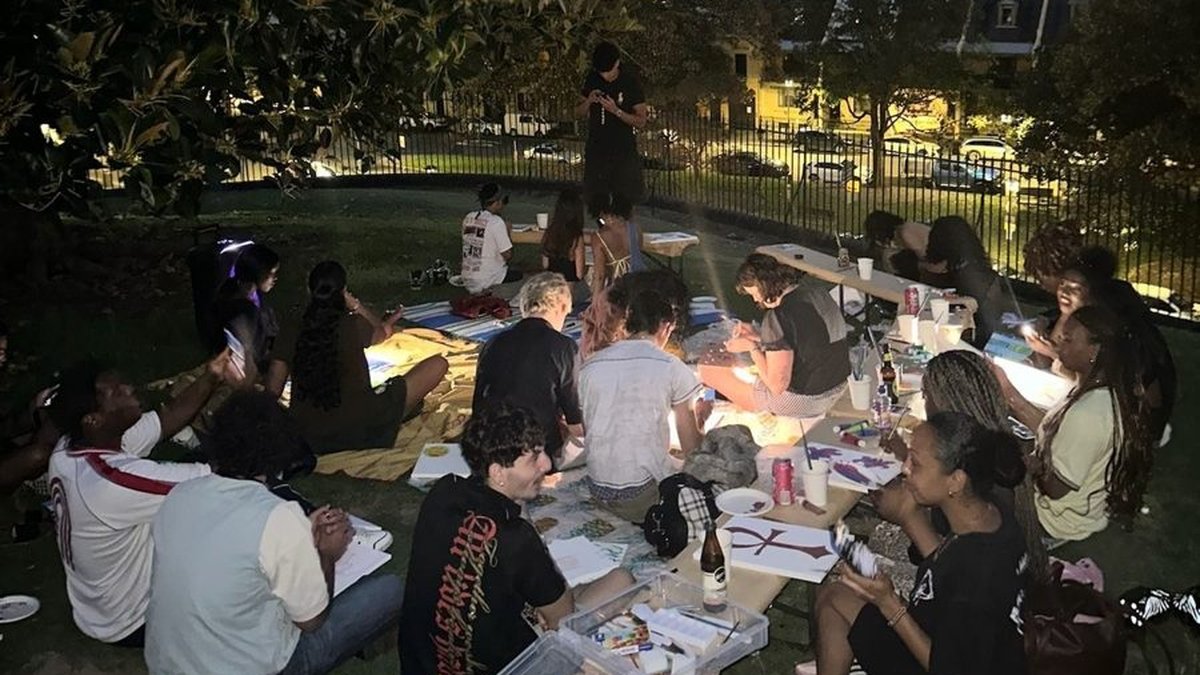
How to host your first hangout (and earn from every seat)
You don't need to be an event planner to host. You need a place, a time, a few seats and a warm welcome. Here's how to host your first hangout.


- A great first hangout is simple: one clear plan, a public venue, a small group and a warm welcome.
- On BeSocialz you set the place, time, seats, price, language and who it's for. Guests book and pay in the app through Razorpay.
- You see bookings and earnings in your host dashboard, and Razorpay settles your earnings.
- If you cancel, guests get a full refund, so cancel early and tell them in the chat.
Every good group of friends has one person who says, "Let's do something this Saturday." That person is the host.
On BeSocialz, anyone can be that person, and earn from every seat that's booked. Here's how to host your first hangout, step by step.
Step 1: Pick something you love
The best hangouts come from hosts who genuinely enjoy the plan. Think about what you'd happily do even if nobody paid you:
- A dinner at a restaurant you love
- A coffee table at your favourite café
- A board game night
- A morning walk or a weekend trek
- A startup or career chat
- A movie and a meal after
Step 2: Keep it small and clear
A clear plan gets more bookings than a vague one.
- Clear: "Dinner at 8 pm in Madhapur, table for 5."
- Vague: "Let's hang out sometime this weekend."
Small groups are easier for your first time. Four to six seats (including you) means everyone talks and nobody gets lost.
Step 3: Choose a public venue
Pick a well-known, public place: a restaurant, café, park or turf. It's safer, it's easier for guests to find, and it makes everyone more comfortable. Never move a hangout to a private home or a place not shown in the app.
Step 4: Create your hangout on BeSocialz
In the app, tap Start hosting hangouts and fill in:
- Place and area, so guests know where it is.
- Date and time.
- Number of seats (you count as one).
- Price per seat, shown to guests before they book. Think about what the plan costs and what feels fair for the evening.
- Language the table will speak.
- Who it's for, such as an age group.
Guests book and pay in the app through Razorpay. You can see bookings and earnings in your host dashboard, and Razorpay settles your earnings to your bank account or UPI ID.
Step 5: Welcome your table
The first five minutes decide the night.
- Message the group chat the day before with the plan and a friendly hello.
- Arrive early and greet each person by name.
- Start with one easy question: "What brought you here?" or "How long have you been in the city?"
- Bring in the quiet person. Ask them something directly.
- Keep it respectful. If a guest breaks the house rules, remove them and report it in the app.
Step 6: Host again
One hangout makes a memory. A regular hangout makes a crowd. Hosts who run the same kind of table every week or two build a group that keeps coming back. That's where the real value is, for your guests and for you.
Hosting rules to know
- All payments go through the app. Never ask guests to pay in cash or by UPI outside the app.
- If you cancel, guests get a full refund and you won't be paid for those seats. Cancelling often may limit your hosting. If you must cancel, do it early and tell guests in the chat.
- You're independent. Hosts are not employees of BeSocialz. You're responsible for your plan, your venue and your own taxes.
- Safety first. In an emergency, call 112. Read our Safety & Risk page and the host section of our Terms.
Read why hosting is growing so fast in this decade is all about hosting.